
Court Dockets in Seminole County
A court docket is the running record of a case. It is the chronological list of every filing and event, from the first petition to the final order. In Seminole County, dockets come from the District Court in Wewoka. Each line, called a docket entry, carries a date and a short note of what happened that day.
A docket is not the full case file. The docket lists events, while the case file holds the actual motions, orders, and exhibits behind them. Most district-court dockets are free to view online. Municipal dockets from the City of Seminole sit in a separate system and do not appear alongside district-court cases.
Dockets matter because they update as a case moves. A new filing, a reset hearing, a bond change, or a final order each adds a line. That makes the docket the quickest public read on whether a case is open, set for a hearing, or closed. The same docket can mix criminal, civil, family, or probate steps depending on the case type, and the entries appear in the order they were recorded.
Seminole County Daily Dockets
Oklahoma courts publish more than single-case dockets. The Oklahoma State Courts Network produces district-court reports, including daily docket reports organized by judge, by event, and by case type. It also posts daily filings by county and civil cases with trial dispositions. These reports show the day's calendar across many cases at once.
A case event is any recorded or scheduled step. Arraignments, motion hearings, pretrial conferences, and trials are events. So are filings like a motion or a journal entry. Each event lands on the docket with its date, and upcoming events appear as future settings the public can see in advance.
Note: OSCN can trigger a human-verification check during heavy or automated use, so a manual search from a normal browser is the reliable way in.
Find Seminole County Court Dockets Online
OSCN is the main door to Seminole County dockets, at oscn.net/dockets. Its court dropdown lists Seminole County District Court. The landing page offers Search OSCN Dockets, Search Non-OSCN Counties, Available Court Records, and Court Records Help. A short routine gets you to a single case quickly.
- Open the OSCN docket search and pick Seminole County District Court from the county or court dropdown.
- Enter a case number in the Oklahoma format, such as CF-2014-1, if you have one.
- If you only have a name, use OSCN's party search or switch to ODCR for a last-first name lookup.
- Open the matching case and review the docket entries, hearing settings, and any linked documents.
The OSCN docket search uses the fields below. The case number is the most precise way in, but the court dropdown alone can surface a county's recent activity.
| Field Label | Type | Required | Notes / Format |
|---|---|---|---|
| County or Court | Dropdown | No | All Available Oklahoma Courts, Appellate Courts, Seminole County District Court, and other county district courts. |
| Case Number | Text | No | Example shown as CF-2014-1. |
| Party / Lower Court Search | Fields | No | Separate OSCN search paths; some pages prompt human verification. |
| Search Links | Links | n/a | Search OSCN Dockets, Search Non-OSCN Counties, Available Court Records, Court Records Help. |
ODCR Activity-Date Searches for Seminole County
ODCR adds a search OSCN does not feature as plainly: the activity date. At odcr.com, you can pull cases by the date something happened, not only by name or number. The court list includes Seminole, so results stay local to the county.
Pair the activity date with other filters for tighter results. ODCR lets you set a court group, court, party name in last-first order, party type, case type, full case number, and a filed-date range. Activity-date searching helps when you know a hearing or filing happened in a window but do not have the case number on hand.
The case-number tool on ODCR also helps with dockets. It breaks a number into a prefix, a two-digit year, and a sequence, so a search for a CF, CM, CV, FD, PB, PO, SC, or TR case lands on the right docket. When OSCN and ODCR both index a case, the two dockets should track each other, though one may post an entry slightly sooner than the other.
Hearing Dates and District 22 Judges
Hearing information rides along with the docket. A docket or daily-docket entry can show the date, the time, the event type, and the assigned judge. Seminole County sits in Judicial District 22, which it shares with Hughes and Pontotoc Counties.
Two judges anchor the local bench. Brett William Butner serves as District Judge for the district that includes Seminole County. Governor Stitt appointed Christopher Anderson as Associate District Judge for Seminole County on March 13, 2025. A docket entry naming the judge tells you which courtroom and calendar a hearing falls under.
Sample Seminole County Docket Entry
Each line of a docket follows the same shape. Once you can read one entry, the rest of the list reads quickly. The table below breaks a single entry into its parts.
| Field | What It Shows |
|---|---|
| Entry Date | The date the filing or event was recorded. |
| Event Type | The kind of step, such as a motion, order, plea, or hearing setting. |
| Party Filing | The side that filed, whether the State, plaintiff, petitioner, defendant, or respondent. |
| Description | A short summary, like a journal entry, a continuance, or a bond posting. |
| Document Link | Some entries link an image in OSCN or ODCR, though many carry no document. |
Docket-Entry Glossary
Docket entries lean on a small set of recurring terms. The definitions below cover the ones that show up most often in a Seminole County case.
- Docket
- The chronological list of a case's filings and events.
- Motion
- A written request asking the court for an order.
- Order
- A judge's written direction or ruling.
- Journal entry
- The formal written memorial of a court ruling.
- Continuance
- A postponement of a hearing or a deadline.
- Disposition
- The outcome of a charge or case.
- Bench warrant
- A warrant a judge issues, commonly for a failure to appear.
Dockets Versus the Full Case Record
A docket and a full case record serve different needs. The docket is a quick map of what has happened. The full record holds the documents that prove it. The comparison below shows where each one fits.
| Docket | Full Case Record | |
|---|---|---|
| Format | List of dated entries | Full documents and exhibits |
| Access | Often online and free | May need a fee or a counter visit |
| Use | Track case progress and hearings | Legal review and evidence |
| Source | OSCN and ODCR | Court Clerk case file |
When the docket is not enough, the Court Clerk holds the underlying file, which is part of the broader set of Seminole County court records. Certified copies and older, non-digitized documents come from that office, not the online docket.
Municipal Dockets for the City of Seminole
City tickets follow a different track. The City of Seminole Municipal Court handles city ordinance and city traffic violations. These cases do not appear on OSCN or ODCR. The city runs its own online portal for citation lookup and payment instead.
The municipal portal carries an important warning. If you have a warrant, you cannot pay online and must call to speak with the judge. The Municipal Court sits at 401 N. Main in Seminole and answers at (405) 382-4330. District traffic citations, by contrast, are searched through OSCN's district-court citation tool.
Verifying Dockets and Reading Dispositions
Treat the online docket as a strong lead, not the last word. Oklahoma Court of Criminal Appeals Rule 2.6 explains that OSCN is a convenient public database, but the court's case-management record controls if the two disagree. For anything official, confirm with the Seminole County Court Clerk.
Reading a disposition takes care. The disposition is the outcome, such as a dismissal, a plea, a verdict, or a sentence. A deferred or suspended sentence is not the same as a dismissal. Charges, pleas, and the final sentence are laid out in Seminole County criminal court records. When a docket shows a disposition but the meaning is unclear, the Court Clerk at (405) 257-6236 can point you to the controlling order.
Note: An online docket is not proof that a warrant or charge has been cleared, so ask the issuing court for the recall or quash order.
Seminole County Sheriff Records and Dockets
Court dockets are only part of the Seminole County records picture. The Seminole County Sheriff's Office publishes resources that sit alongside the court docket, including a sex-offender registry and jail-account tools tied to in-custody defendants.
The Sheriff's Office keeps a local sex-offender page that points to the Oklahoma registry and explains the verification cycles, shown on the official Seminole County sex-offender page.
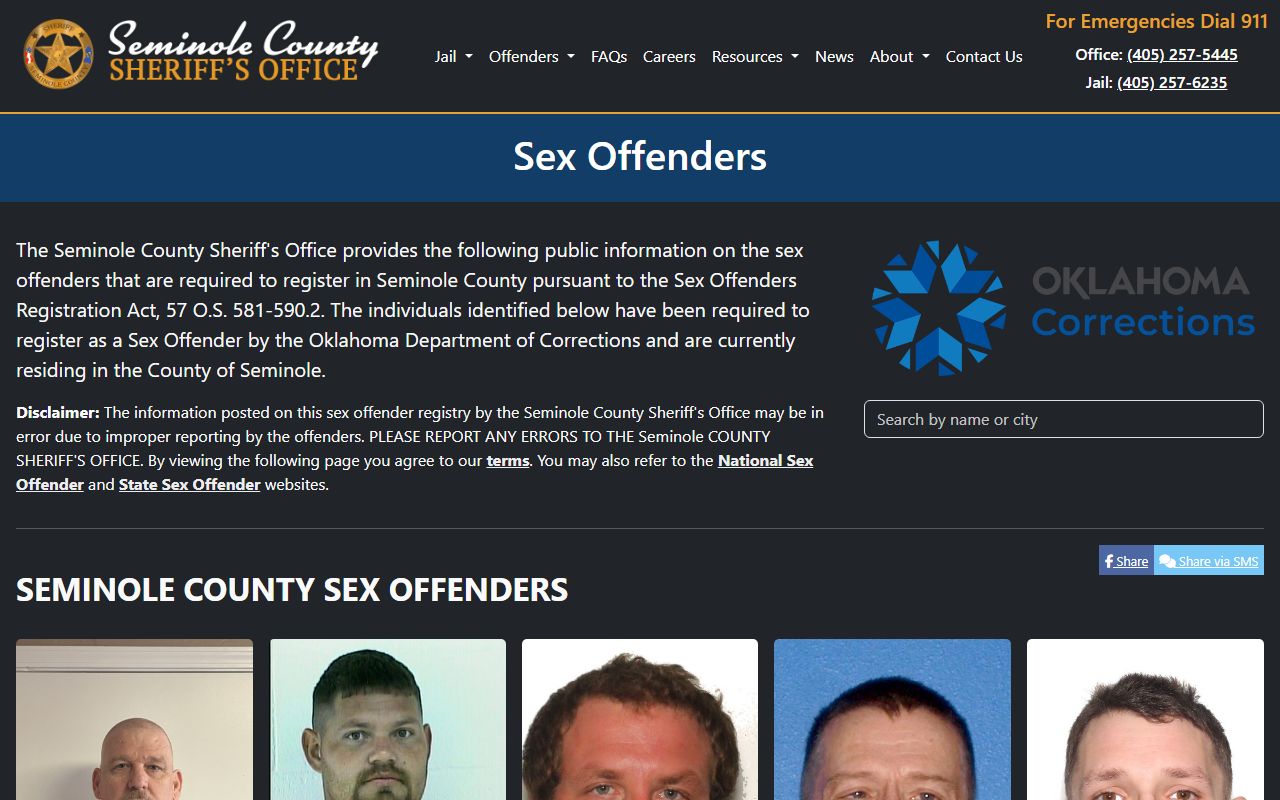
That registry is a separate public record from a court docket, though both can involve the same person. In-custody defendants also generate docket events. A booking, a bond, or a jail transfer can appear as a case event, and the jail's money tools serve people whose cases are still moving through court.
Deposits to an inmate's account run through JailATM and Benchmark Commissary Services, as detailed on the Seminole County jail commissary page.
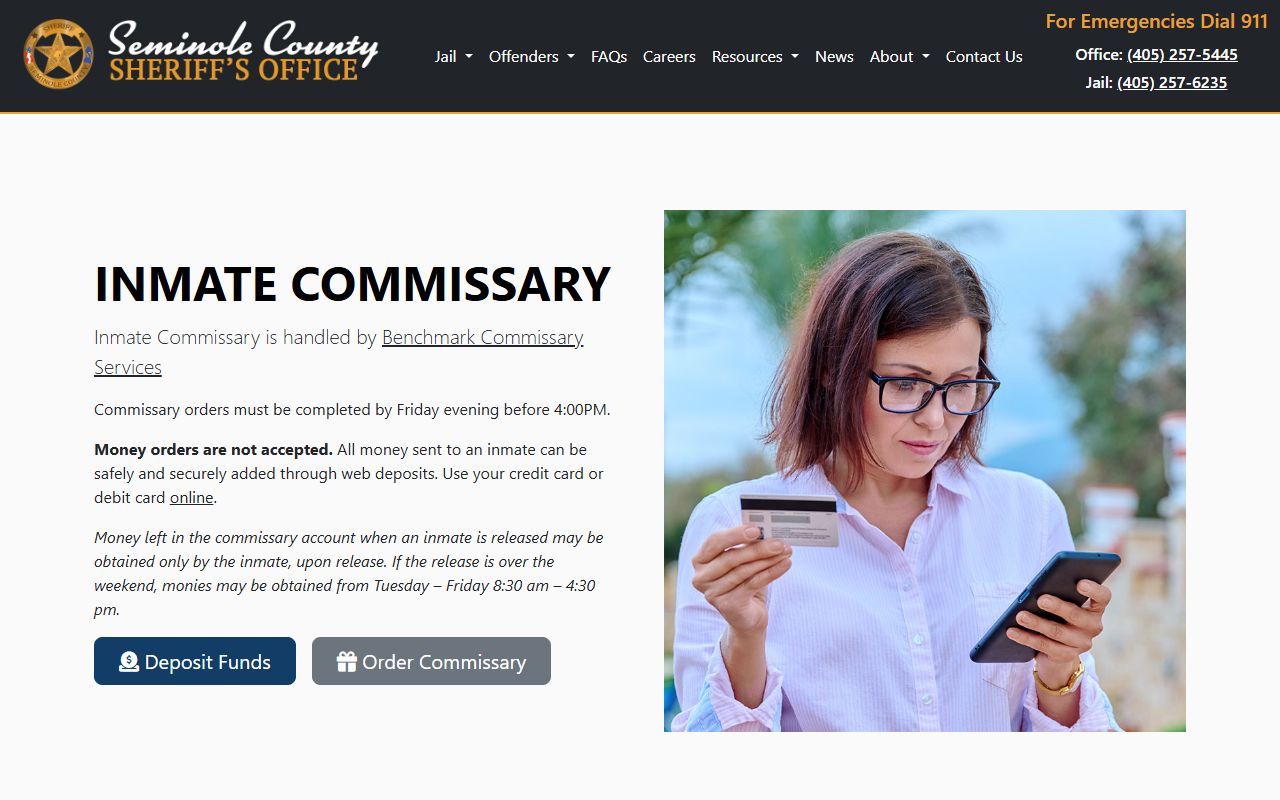
Commissary and deposit details never appear on the court docket, so the sheriff's page fills that gap for families tracking an in-custody case.